Small Business Bookkeeping Software: How to Choose (2026)
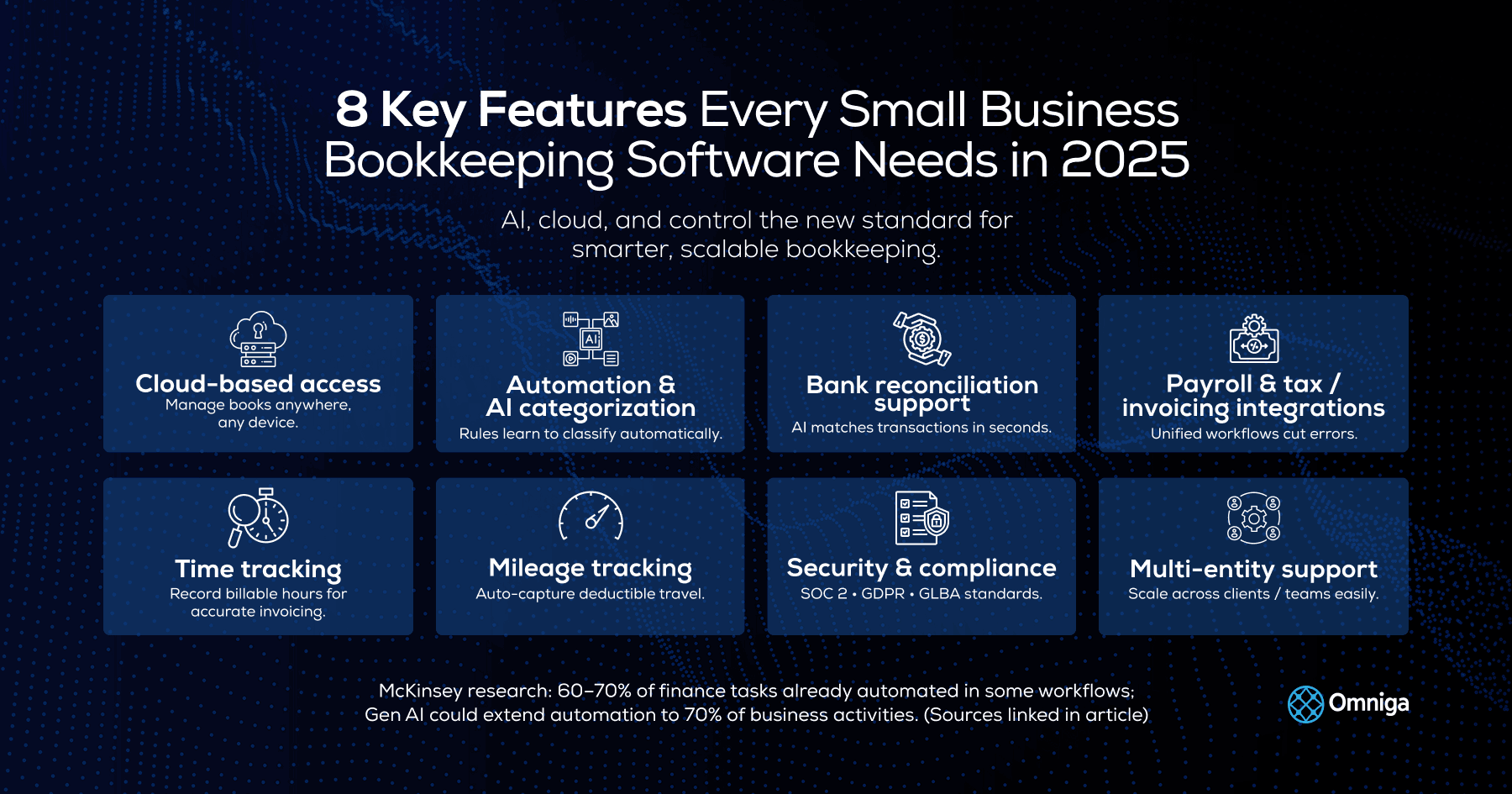
Compare small business bookkeeping software in 2026 — what it does, key features, real costs, a neutral tool comparison, and how to choose in six steps.
Table of Contents
Part of our bookkeeping services guide.
Small Business Bookkeeping Software — Compare small business bookkeeping software in 2026: what it does, key features, real costs, a neutral tool comparison, and how to choose the right fit in six steps.
Most guides tell you which small business bookkeeping software to buy. Almost none tell you how to choose bookkeeping software, which is the part that actually decides whether your books stay clean. That gap is expensive. The Federal Reserve's 2024 Small Business Credit Survey found that 51% of small businesses name uneven cash flow as a recurring challenge, and a widely cited U.S. Bank study found that 82% of small businesses that fail do so because of cash-flow problems, not a lack of customers. The right accounting software for small business gives you the real-time visibility to see those problems coming. The wrong one just digitizes the mess.
This is a practical, vendor-neutral guide to choosing bookkeeping software in 2026. It covers what the software actually does, the features and real costs that matter, an honest comparison of the main tools, and a repeatable six-step process for picking the one that fits your business. If you are weighing doing it yourself against handing it off, we will be straight about that too.
Key Takeaways
- Bookkeeping software records and organizes your transactions. It is not the same as a bookkeeping service (a person doing the work) or an accountant (who interprets and files).
- Choose by data, not by demo. Your transaction volume, your existing fintech stack, and your accounting basis (cash or accrual) rule most options in or out before features ever matter.
- Judge total cost of ownership, not the sticker price. Subscription plus integration fees plus your own hours on review and cleanup is the number that counts.
- Insist on double-entry accounting and a visible audit trail. They are what make your balance sheet and financial reporting trustworthy to a lender or investor.
- Test before you commit. A one-month trial migration, reconciled to the penny, is the strongest signal the live switch will hold.
- Software is a tool; a clean, on-time month-end close is the goal. If the tool cannot get you there, a done-for-you service can.
What Is Small Business Bookkeeping Software?
Quick answer: Small business bookkeeping software is cloud software that records transactions, automates bank feeds and reconciliation, categorizes income and expenses, tracks invoices and bills, and generates financial statements such as your profit and loss, balance sheet, and cash flow.
Under the hood, it maintains a general ledger, posts journal entries for every transaction, and lets you reconcile accounts against your bank and card statements. Good tools also track accounts receivable and accounts payable, support expense management, and increasingly layer AI on top so routine categorization happens automatically. The output is reliable financial reporting you can actually steer by.
One clarification saves a lot of confusion: bookkeeping software is not the same as an accountant, and neither is it a bookkeeping service. Bookkeeping is the day-to-day recording. Accounting is the interpretation and tax work on top. A bookkeeping service is a human doing the recording for you. If you want the full breakdown of the last one, our guide to software versus a bookkeeping service walks through the trade-offs.
| Term | What it is | Who does the work |
|---|---|---|
| Bookkeeping software | A tool that records and organizes transactions and reports | You / your team |
| Accounting software | Often the same platform, used for the interpretation and tax layer on top | You + your accountant |
| A bookkeeper / service | A person or firm doing the recording and reconciliation for you | An outsourced human |
One non-negotiable: pick a tool that uses double-entry accounting. Single-entry apps look simpler, but they cannot produce a balance sheet or a trial balance that a lender or investor will trust.
Do You Actually Need Software, or Will a Spreadsheet Do?
A spreadsheet is fine at the very start (a handful of transactions, one bank account, no inventory). Move to dedicated software the moment you are spending real hours on data entry, you have missed a reconciliation, or you cannot answer "what was my profit last month" without an afternoon of work.
Roughly 70% of small businesses operate without an accountant, and by one Incfile survey cited by the U.S. Chamber of Commerce, about 46% of owners do their own accounting. Spreadsheets are where most of them start, and where the trouble starts too. There is no automated bank feed, so every transaction is hand-keyed. There is no reconciliation engine, so errors compound unnoticed. There is no audit trail, so you cannot prove how a number was reached. And there is no balance sheet worth showing a lender.
The practical signal that you have outgrown the spreadsheet: manual entry is eating your week, a reconciliation has slipped, or month-end has become a dreaded all-day event. Once any of those is true, dedicated software pays for itself in recovered time and fewer errors.
Software vs a Bookkeeping Service vs a Hybrid
Use DIY software if volume is low and you want control. Use a bookkeeping service to take the work off your plate; use a hybrid (automation plus a human reviewer) when you are growing and need audit-ready books without hiring in-house.
| Path | Who does the work | Typical cost | Best when |
|---|---|---|---|
| DIY software | You or your team | $0 to $70/mo | Low volume, you want control |
| Bookkeeping service | An outsourced person or firm | $200 to $600+/mo | You want it off your plate |
| Hybrid (software + review) | Automation plus a controller | Flat monthly fee | Growth-stage, audit-ready books |
The rest of this guide assumes software is at least part of your answer. If you are leaning the other way, compare outsourced and virtual bookkeeping and typical bookkeeping service pricing first.
How to Choose Bookkeeping Software in 6 Steps
Knowing how to choose bookkeeping software starts well before you open a comparison chart. Choose by your data environment, not by the slickest demo. Here is the process we use.
Step 1: Audit Your Fintech Stack and Transaction Volume
Map your payment processors, spend tools, and monthly transaction count first. Your data volume and accounting basis rule tools in or out before features matter.
- List every payment processor, ecommerce platform, and corporate-card or expense tool. They all generate transaction data your software must ingest.
- Count your monthly transactions across all sources. Under about 200 a month, a lighter tool can cope; above that, you want a full double-entry system with proper general-ledger controls.
- Check integration requirements. Manual CSV uploads add lag and error; real-time API connections are the practical standard for a growing business.
- Confirm your accounting basis. Accrual businesses need accounts receivable, accounts payable, and deferred-revenue tracking, which rules out several lite-tier options immediately.
Step 2: Prioritize the Features That Create Financial Observability
Beyond bank feeds and invoicing, insist on automated reconciliation, a human-in-the-loop review path, a visible audit trail, and SOC 2 with role-based access.
With your stack mapped, weigh the capabilities that separate accounting software for small business you can trust from tools that only look good in a demo. Start with automated transaction matching that removes most of the manual categorization, without pretending it removes the need to check the edge cases.
| Feature | Why it matters | Priority |
|---|---|---|
| Double-entry ledger | Produces a trustworthy balance sheet, trial balance, and lender-ready reports | Must-have |
| Automated bank feeds + GL reconciliation | Removes manual entry and keeps the ledger honest | Must-have |
| Human-in-the-loop review queue | Catches split, foreign, and ambiguous transactions | High |
| Visible, timestamped audit trail | Every journal entry and edit traces to a user and date | High |
| SOC 2 + role-based access | Protects data and controls remote bookkeeper or controller access | High |
| Payroll / tax / inventory integrations | Depends on your stack; avoid paying for what you won't use | Situational |
Step 3: Evaluate Total Cost of Ownership, Not the Sticker Price
Do not compare subscription prices. Compare total cost of ownership: subscription plus integration fees plus the hours you spend on review and cleanup. The cheapest tool is often the most expensive.
The monthly subscription is the smallest part of what online bookkeeping software for small business really costs. Price the whole thing: your own time (track the weekly hours you spend fixing mismatches, then multiply by your hourly rate), every integration fee, and the cost of deciding on stale data.
| Cost component | The sticker view | True monthly cost |
|---|---|---|
| Software subscription | $30 | $30 |
| Integration / add-on fees | Not counted | $20 to $60 |
| Your cleanup time (10 hrs × $50) | Not counted | $500 |
| Deciding on stale data | Not counted | Variable, often largest |
| Real total | $30 | $550+ |
After reviewing hundreds of small business bookkeeping setups, the most expensive pattern we see is optimizing for sticker price. A founder saves $40 a month on software, then loses a dozen hours a month cleaning up what it missed. That is not a saving; it is a salary you pay yourself in unpaid overtime. Timing compounds the cost: APQC benchmarking puts the median monthly close at around six business days, and the JPMorgan Chase Institute has found the median small business holds only about 27 days of cash buffer. Deciding on 20-day-old data in a 27-day runway is how profitable-on-paper businesses run out of cash.
Step 4: Shortlist and Compare Your Real Options
Match a specific tool to the job you defined in Steps 1 to 3. QuickBooks Online is the accountant-friendly default; Xero suits teams; FreshBooks fits freelancers; Zoho Books is the budget pick; Wave works for very small service businesses.
Now, and only now, look at specific tools. Prices are starting tiers and move around, so verify before you buy.
| Tool | Best for | Starts around | Watch out for |
|---|---|---|---|
| QuickBooks Online | The default; working with an accountant | $38/mo | Price increases and upsells; user limits per plan |
| Xero | Unlimited users; scaling teams | $25/mo | Entry plan caps bills and invoices; no inbound phone support |
| FreshBooks | Freelancers and service businesses | $23/mo | Cheapest plan lacks double-entry reports and reconciliation |
| Zoho Books | Budget-friendly; free under $50k revenue | $0 to $20/mo | Fewer integrations; best inside the Zoho ecosystem |
| Wave | Very small, service-based businesses | $0 | Bank feeds and support now behind the paid plan; no audit trails |
| Sage 50 | Inventory and job costing; desktop option | $69/mo | Dated interface; lowest tier lacks audit trails |
A quick way to start your shortlist by business type:
| If your business is… | Start your shortlist with |
|---|---|
| A freelancer or solo service provider | FreshBooks or Wave |
| A growing team that needs many users | Xero |
| Working closely with an accountant | QuickBooks Online |
| Budget-conscious or under $50k revenue | Zoho Books |
| Inventory-heavy or needs job costing | Sage 50 or QuickBooks Online Plus |
If you are pre-Series A and still setting up, start with our bookkeeping for startups guide before you commit. Businesses that have outgrown small-business tools entirely may need an ERP such as NetSuite, but that is a different budget and project.
Step 5: Run a Data Migration and Security Test
Before you commit, import one real month of transactions into a trial, reconcile it to the penny, confirm your chart of accounts survived, and test the audit trail. A clean test migration is the best predictor of a clean live switch.
- Import one month of real transactions and reconcile opening and closing balances by hand to catch rounding or mapping failures.
- Compare your chart of accounts before and after import. Confirm account types, parent-child hierarchies, and tax categories survived; one misclassified account distorts every report downstream.
- Trigger a deliberate audit-trail event: edit one imported transaction, then confirm the change is timestamped, attributed, and impossible to delete silently.
- Give your accountant read access and ask for sign-off. If your books are already messy, fix that first with a QuickBooks cleanup.
- Run a bank reconciliation on the trial data. A clean reconciliation on test data is the strongest available signal the live migration will succeed.
Step 6: Lock in Your 2026 Bookkeeping Strategy
Wrap the tool in standards: close the prior month by the 10th business day, demand a visible workflow, reject any black box, and keep a human reviewing the edge cases.
- Set a close deadline. Aim to close the prior month by the 10th business day. A late close compresses your decision window and raises the odds of filing errors.
- Demand a visible workflow. Choose a setup that surfaces reconciliation and journal-entry decisions on top of the ledger rather than burying them.
- Reject the black box. Avoid any tool or provider that hides how the numbers were produced. Opaque systems create dependency, not clarity.
- Keep a human in the loop. Let AI categorize the routine expenses and keep a person on the edge cases. That balance is what separates fast books from trustworthy books.
Common Mistakes When Choosing Bookkeeping Software
The most common mistakes are buying on price alone, skipping a test migration, choosing a single-entry app, ignoring the audit trail, and picking a tool your accountant cannot access.
- Buying on sticker price. The subscription is the smallest cost. Total cost of ownership, including your time, is the real number.
- Skipping the test migration. Live-switching without a trial reconciliation is how you discover a broken chart of accounts in month two.
- Choosing a single-entry app. It cannot produce a real balance sheet, which blocks loans, investment, and a clean sale.
- Ignoring the audit trail. A tool that silently overwrites entries is a compliance liability the day someone asks how a figure was reached.
- Forgetting accountant access. Accountant read access and permission controls are the features owners most often discover they needed only after going live.
When NOT to Buy Bookkeeping Software (and Red Flags to Avoid)
Skip new software if a spreadsheet still covers your handful of monthly transactions, or if your real problem is that you have no time (in which case a service, not a tool, is the answer). Avoid tools with no double-entry, no audit trail, or no accountant access.
Not every business needs to buy software right now. If you have very low volume and no inventory, a simple spreadsheet is genuinely fine. And if your books are chronically behind because you have no time, buying another tool will not fix a time problem; a bookkeeping service will.
When you do buy, treat these as red flags: no double-entry accounting, no visible audit trail, bank feeds or basic support locked behind a surprise paywall, no SOC 2 or role-based permissions, and any provider that cannot explain how a number in your ledger was produced. Opacity is the one feature you never want.
Signs You Need to Switch Bookkeeping Software
Switch when your close keeps slipping past the 10th, your tool cannot handle your transaction volume or accounting basis, integrations keep breaking, or you have outgrown single-entry and need real financial reporting.
- Your month-end close routinely slips past the 10th business day.
- Your transaction volume has outgrown the tool and reconciliation has become a manual rescue operation.
- You have moved from cash to accrual accounting and your tool cannot track accounts receivable, accounts payable, or deferred revenue.
- Integrations keep disconnecting, so bank feeds and payroll data no longer flow cleanly.
- You need investor- or lender-ready statements your current single-entry app cannot produce.
When Software Isn't Enough
Software syncs transactions; it does not catch a miscategorized cost of goods sold, flag an unusual payout, or guarantee your balance sheet ties out. Past a certain volume, a done-for-you service delivers that judgment and an on-time close.
Past a certain volume, coordinating five or more financial apps becomes a part-time job in disguise, and the close slips later and later. That is the point where a done-for-you bookkeeping service earns its fee: automated matching for speed, a human controller for judgment, and a monthly close delivered on schedule with a full audit trail. Omniga is built for exactly that handoff, pairing AI automation with oversight so your books stay both fast and defensible. It is a different product from the tools above, so treat it as the alternative to DIY software, not another item on the shortlist.
How We Chose These Picks
We evaluate bookkeeping tools the way an operator does, on the criteria that actually protect your books: double-entry accuracy, the quality of automated reconciliation, audit trail and permission controls, integration depth, total cost of ownership, and how quickly the tool lets you close the month. We do not take affiliate commissions from the vendors named here, and we will tell you when the honest answer is a spreadsheet or a service rather than software. Pricing and features are checked against each vendor's own site and updated as they change.
Frequently Asked Questions
What is small business bookkeeping software?
It is cloud software that records your transactions, automates bank feeds and reconciliation, tracks invoices and bills, and generates financial statements like your profit and loss and balance sheet. It gives you the tools to keep your own books, rather than paying a person to do it.
What is the best bookkeeping software for a small business in 2026?
It depends on your data, not on a single winner. QuickBooks Online is the accountant-friendly default, Xero suits teams needing unlimited users, FreshBooks fits freelancers, Zoho Books is the budget pick, and Wave works for very small service businesses. Use the six-step process above to match one to your volume and stack.
How much does bookkeeping software cost?
Free tools like Wave start at $0 with limits; standard small-business plans run about $25 to $70 a month. The real number, though, is total cost of ownership: subscription plus integration fees plus the hours you spend on review and cleanup.
Is free bookkeeping software good enough?
For a very small, low-volume, service-based business, sometimes yes. But free tiers increasingly put bank feeds, support, and audit trails behind a paywall, so most growing businesses find a paid plan pays for itself in saved time.
Can I do my own bookkeeping with software?
Yes, especially early on, if you keep a regular reconciliation cadence and choose a double-entry tool. Bring in help when transaction volume, multi-state tax, or a slipping monthly close starts costing you more in hours than the software saves.
Does bookkeeping software use double-entry accounting?
Most reputable tools do, and you should insist on it. Double-entry records a balancing debit and credit for every transaction, which is what makes an accurate balance sheet and lender-ready financial reporting possible.
Is AI bookkeeping software worth it?
For most small businesses, yes. AI reliably automates categorization, receipt capture, and transaction matching, which removes the bulk of manual entry. It still needs human review for edge cases, so the best setups pair automation with oversight rather than replacing judgment.
Can bookkeeping software replace an accountant?
No. Software records and organizes; an accountant interprets, advises on tax strategy, and files. Good software makes your accountant faster and cheaper by handing them clean books, but it does not replace their judgment.
Can bookkeeping software file my taxes?
Most bookkeeping software prepares the reports your taxes are built on and some integrate with tax filing, but it does not replace a tax professional for anything beyond the simplest return. Treat it as the clean-data layer, not the filer.
Can multiple users access the same books?
Yes, though limits vary. Xero offers unlimited users on all plans; QuickBooks and others cap users by tier or charge per seat. If a bookkeeper, controller, or accountant needs access, check user limits and role-based permissions before you buy.
Is cloud bookkeeping software secure?
Reputable cloud tools use bank-level encryption, SOC 2 compliance, and role-based access, which is generally more secure than a spreadsheet on a laptop. Confirm the vendor's certifications and enable multi-factor authentication and least-privilege permissions.
What happens if my bank feed disconnects?
Bank feeds occasionally drop due to a bank-side security change, and transactions stop importing until you reconnect. Reconcile at least weekly so a broken feed surfaces quickly, and keep the ability to import a statement manually as a backup.
How long does it take to migrate to new bookkeeping software?
For a small business, a clean migration typically takes a few days to a couple of weeks, depending on transaction history and how tidy your existing books are. Messy books lengthen it, which is why a cleanup before migrating is often worth it.
What's the difference between bookkeeping and accounting software?
In practice, they overlap and are often the same platform. Bookkeeping is the recording layer (transactions, reconciliation, ledgers); accounting is the interpretation and tax layer built on top. Most small-business tools do both to some degree.
Which industries benefit most from bookkeeping software?
Every business benefits, but the payoff is largest for high-transaction or inventory-heavy models: ecommerce, retail, restaurants, and professional services with lots of invoicing. The more transactions and the more channels, the more automation saves.
Do I need software if I already have a bookkeeper?
Usually yes. Your bookkeeper works inside software; the two are complementary, not alternatives. The question is who does the work in the tool, you or them, not whether the tool exists.
Bringing It Together
Choosing small business bookkeeping software is not about finding the tool with the most features. It is about matching a tool to your actual data, pricing its true cost of ownership, testing it against your real numbers, and wrapping it in a strategy that closes your books on time and keeps them visible. Do that, and your financials stop being a mystery you check at tax time and become a system you can steer by.
Commit to a system you understand, not just one your software runs. Transparent, auditable books are the foundation every other business decision rests on. Want to go deeper? Explore the full bookkeeping guide for more on setting up and running your books as you grow.
Expert Summary
Small business bookkeeping software records transactions, reconciles bank accounts, and produces financial statements, but choosing the right one depends on your data, not on brand names. The strongest process is: audit your stack and transaction volume, prioritize double-entry accuracy and a visible audit trail over flashy features, judge total cost of ownership rather than sticker price, test a real one-month migration before committing, and wrap the tool in a monthly close by the 10th business day with a human reviewing the edge cases. When coordinating tools costs more time than they save, a done-for-you service delivers the judgment and on-time close software alone cannot.
📖 Explore more in our bookkeeping services guide.